Build with AI
Create with Blue's AI Build, or bring a web app from your favorite AI using a ZIP file or the API.
Blue Platform
Bring a web app made with your favorite AI, or create one with Blue's AI Build. Publish and share it with a URL — no server setup or management needed.
No credit card required. Start on the free Starter plan.
Example: a five-question quiz with three choices
Answer, see your score, and play again
your-app.blue.sola.inc
Turn what you made with AI into something people can use.
Create with Blue's AI Build, or bring a web app from your favorite AI using a ZIP file or the API.
Review the design and interactions before publishing, then ask AI to revise or edit the code.
Confirm the publishing settings and select Publish to get a URL you can share.
YOUR NEXT SMALL TOOL
Build a checklist and share it across browsers. Then update your published app while keeping its saved items. Try the working example and follow the steps.
Build a shared checklist →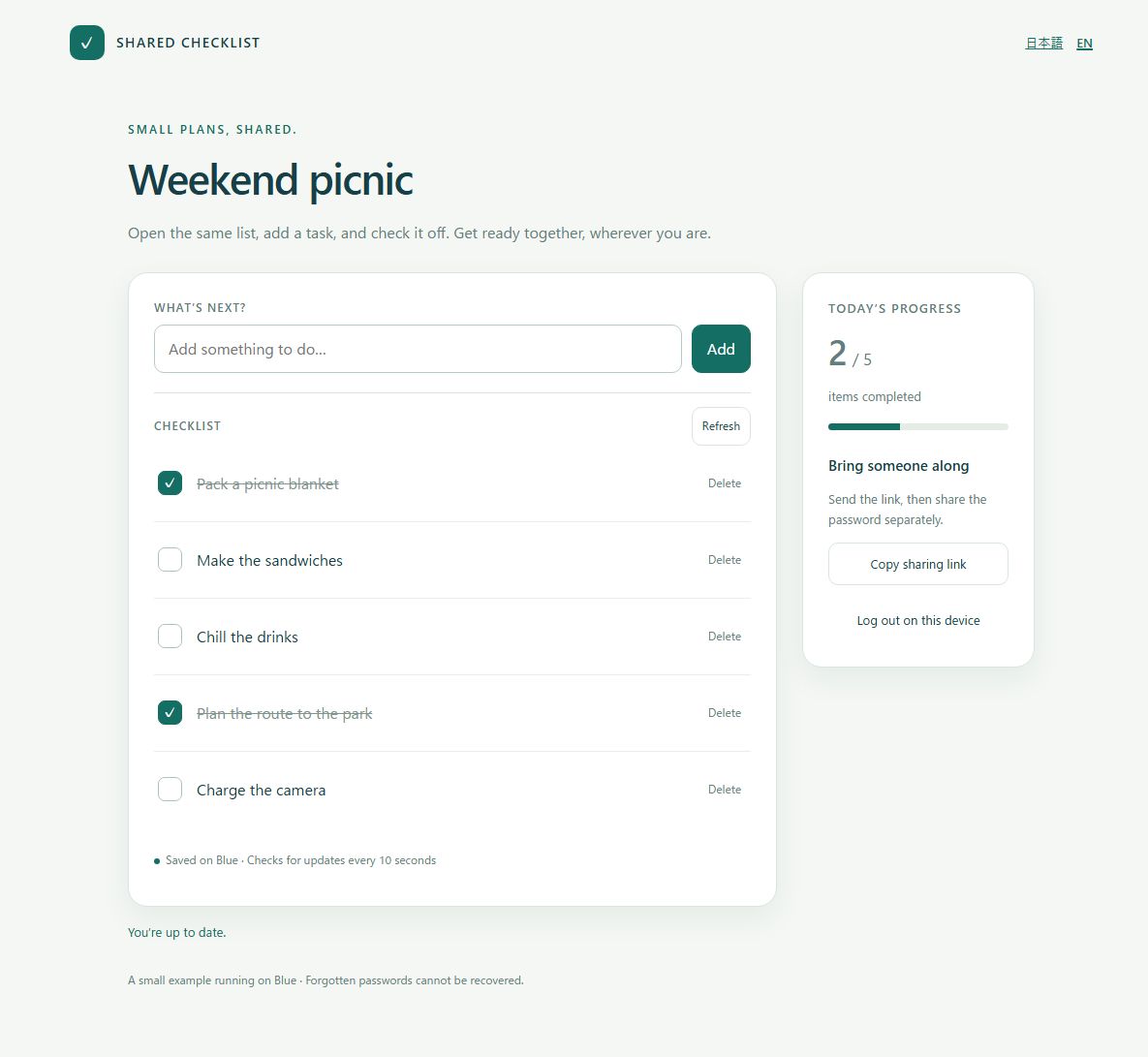
See what Blue can do and how to use it. These videos are in Japanese; YouTube caption and translation options may be available.
Create with Blue, build with your favorite AI, or publish an app you already have.
No source code management needed — just a ZIP file to get your app running.
Upload directly from Codex or Claude Code.
No server management needed. Run apps with no code.
Whatever you've created with AI, we'll show you what's next.
Deploy AI-built internal tools with no IT overhead. Fixed monthly cost, predictable budgets.
Assignments, thesis demos, job portfolios. Start free, submit by URL.
Give your work a home on the web. Let AI handle the site — you focus on creating.
Review the free plan, common questions, or development beyond Blue's scope.
SOLA PRODUCTS & SERVICES
From everyday tools to team work and custom systems, find a service for your next step.
A mobile app for keeping track of belongings and sharing collections.
Visit official site Sola AppsExplore Sola apps for notes, passwords, learning and more.
Visit official site Sola · 日本 / JapanDiscuss tailored applications, system development and operations with the Japan team.
Visit official site · Japanese site Sola of AmericaDiscuss business systems and web or mobile applications with Sola of America.
Visit official site SPSA team portal for daily reports, wiki content and shared business knowledge.
Visit official site SFSA dedicated team file server for storing, sharing and sending files.
Visit official siteThese are separate Sola services. Check each service for its pricing, account and support terms.


